Blockset
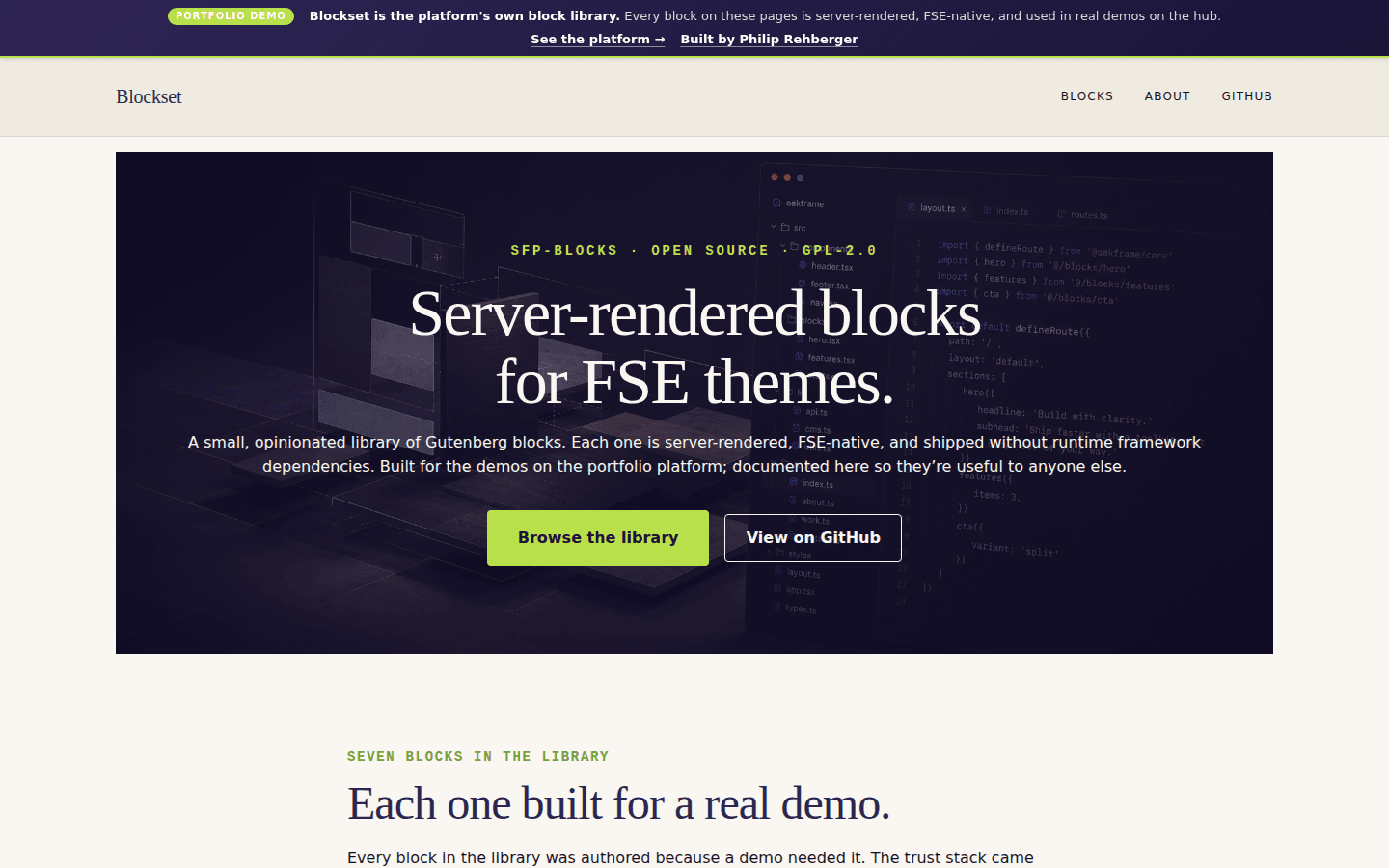
Public docs site for an open-source WordPress block library — every block has a live demo, attribute table, code example, and GitHub link. The site uses the library it documents.
Overview
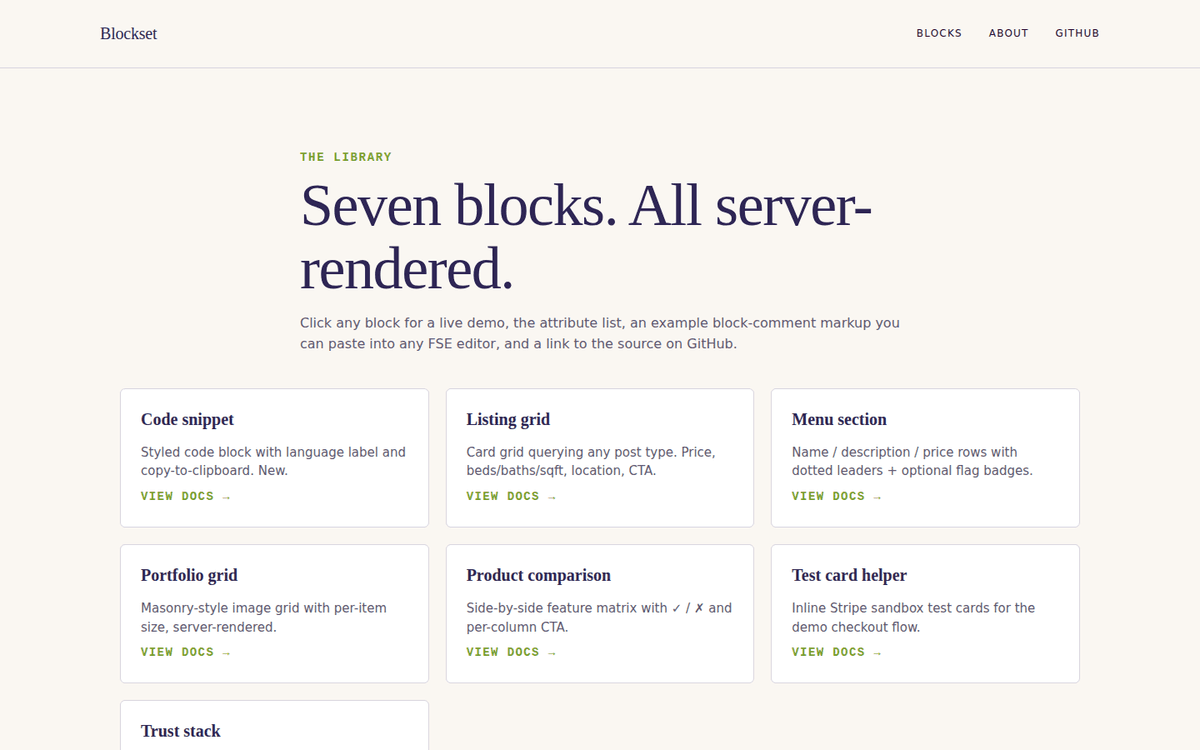
A public docs site for the open-source sfp-blocks WordPress plugin — a small collection of server-rendered Gutenberg blocks. 10 pages total: home, /blocks/ index, 7 per-block docs, about. Each per-block page has a live demo, attribute table, code example, and GitHub source link.
The meta-loop:
Blockset is itself a demo on the platform — not a separate static site, not a README in the GitHub repo, not a Notion page. The point is to demonstrate "what FSE-native blocks look like in production"; the meta-loop of having that demonstration BE an FSE site running the blocks it's documenting was too good to pass up.
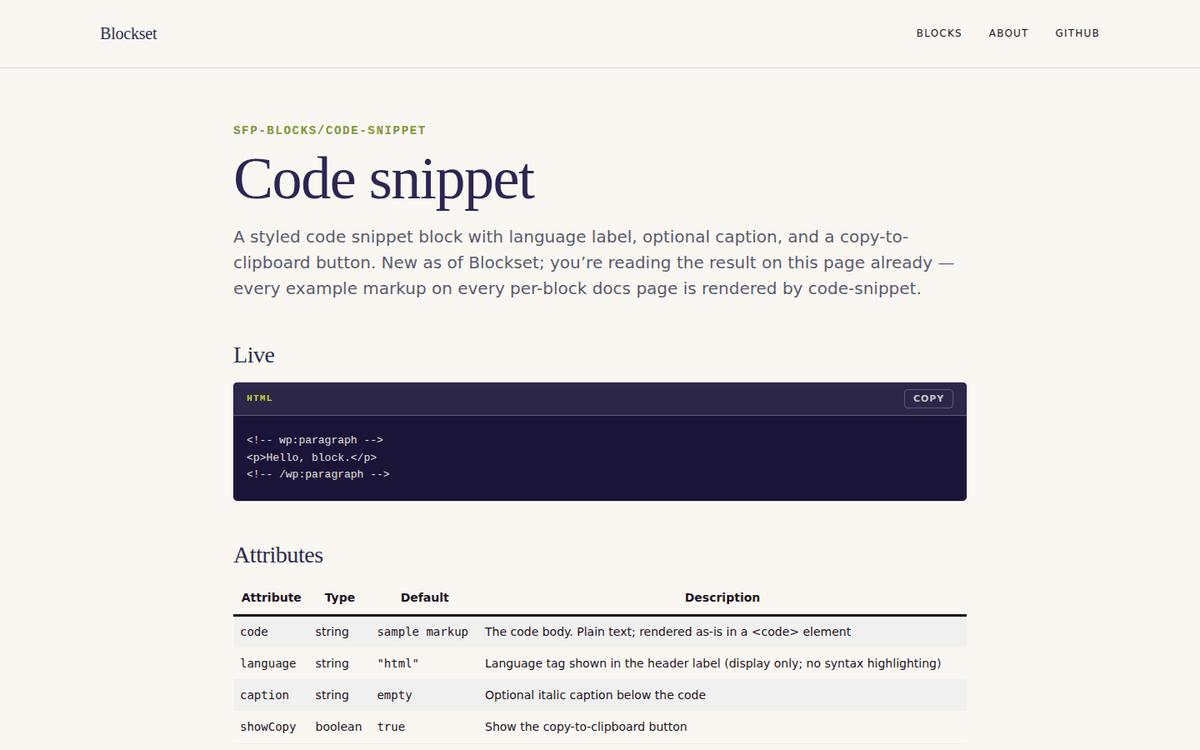
New shared block — sfp-blocks/code-snippet:
Built specifically for Blockset because every per-block docs page needs to show the example block-comment markup, and the existing options were either Gutenberg core's core/code (plain <pre>, no language label, no copy button) or third-party syntax-highlighting plugins that ship 50+ KB of JavaScript.
- Server-rendered (
render.php) - Language label in the header
- Optional caption
- Copy-to-clipboard button enhanced by ~1 KB of
view.jsusingnavigator.clipboard.writeText - No syntax highlighting — intentional, keeps the asset budget under 2 KB total
- Copy button delegates on document and reads its target ID from a data attribute, so it works even if blocks are added/removed dynamically
Hierarchical pages over a CPT:
/blocks/ is a parent page; each per-block doc is a child page with post_parent set. WordPress's native parent-page nesting produces /blocks/<name>/ automatically. A block CPT would also work but the routing isn't free (rewrite rules + a custom single template). With 7 prose pages and no shared structured meta, plain pages are the right fit. Different content shape; different choice.
Per-block docs template:
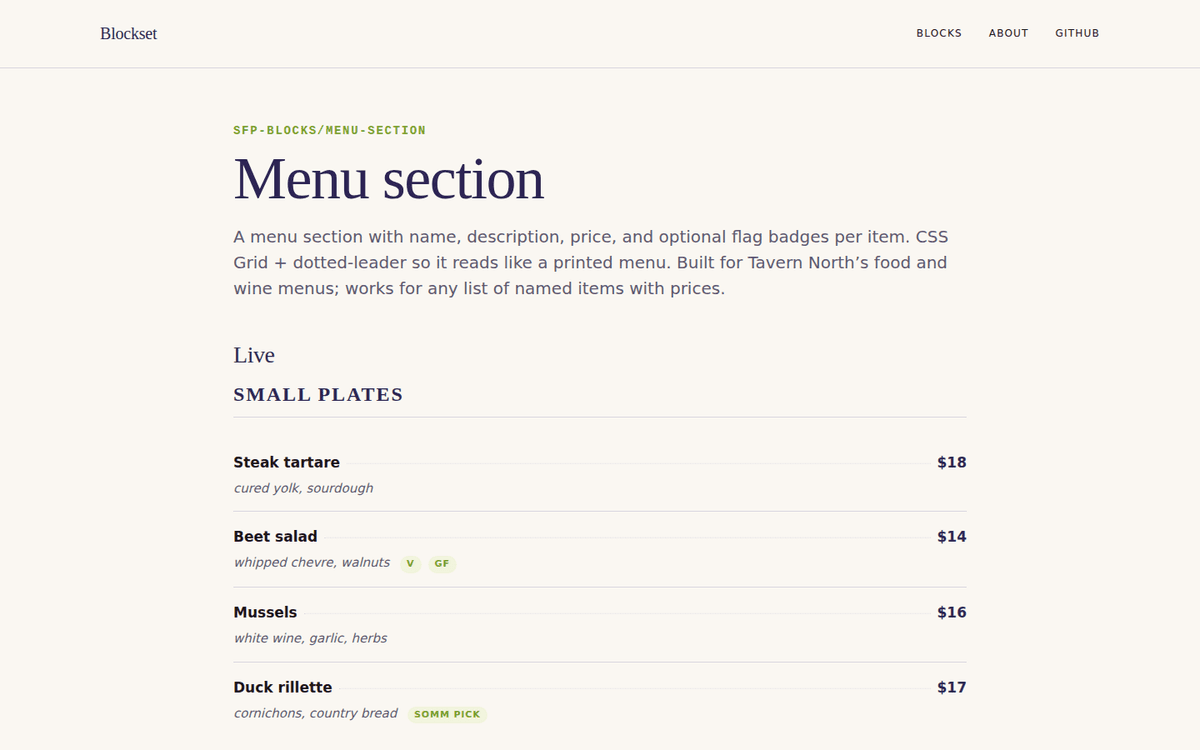
Each per-block docs page has the same shape, built from a reusable build_block_doc helper in seed-pages.sh. Header (block-name eyebrow + Newsreader title + tagline), Live section (the block rendered with sample attributes), Attributes table (name / type / default / description), Example markup (wrapped in a code-snippet block — the meta-loop visible), GitHub source-link card. Adding a new block is a 4-line change.
The Challenge
By demo #6 the platform had accumulated six custom Gutenberg blocks, each genuinely useful to anyone else building FSE-native sites. The collection wasn't documented anywhere a potential client could see — a README per block buried two directories deep, the block plugin's top-level docs were "see source," the marketing surface was zero.
The Solution
A real docs site that uses the library it documents — open-source plugin distribution thinking, GPL-2.0 license, public docs, GitHub-linked per-block source. The meta-loop forces the documentation to stay in sync with the code because the docs site breaks if the blocks do.
Results
Lighthouse 99 / 96 / 100 / 92 — back to the platform's standard benchmark
New shared
sfp-blocks/code-snippetblock — ~1 KBview.js, copy-to-clipboard, language label, zero syntax highlighting on purposeHierarchical pages produce
/blocks/<name>/URLs natively — no CPT, no custom rewrite rulesReusable
build_block_dochelper — adding a new block to the docs is a 4-line changeGPL-2.0-or-later license; source available; per-block GitHub source links from every docs page
Documentation surface for every future demo's blocks — pattern reusable across any future docs/library site
Gallery